
How to read a tender corrigendum before you upload
A corrigendum on an Indian public tender is not a rumour in a vendor WhatsApp. It is a written change to the notice inviting tenders — dates, specs, eligibility, fees — published by the same authority that issued the NIT. People search what it means because they downloaded the PDF on day one and bid on a document that is no longer the document. This page is how to read that change. It is not a substitute for the portal you are bidding on, and it is not a BHEL-only secret. The rule is the same wherever a public body issues an NIT: the last published corrigendum is part of the tender. Ignoring it is how complete bids become non-responsive.
Corrigenda are easy to miss if you saved the file and closed the tab. Portals do not call you. They update a list. The practical habit is to open the tender page again before you upload, not the night you first bookmarked it. If the last date moved and you did not, the bid is late. If a clause changed and your offer still answers the old clause, the bid is answering a ghost.
What to check, in the order that saves a fee
Open the live notice, not your desktop copy. Read the corrigendum list by date. For each item, write one line: what changed, and whether your draft still matches. Dates and times are first — including the clock the portal uses. Then eligibility and documents. Then specifications and drawings. Then EMD, tender fee and payment mode. Then the submission address or the online packet structure. A corrigendum that only “clarifies” language can still kill a form if your annexure quoted the old sentence. Print or save the corrigendum with the bid. If they ask later what you bid against, you need that file, not your memory of a Tuesday.
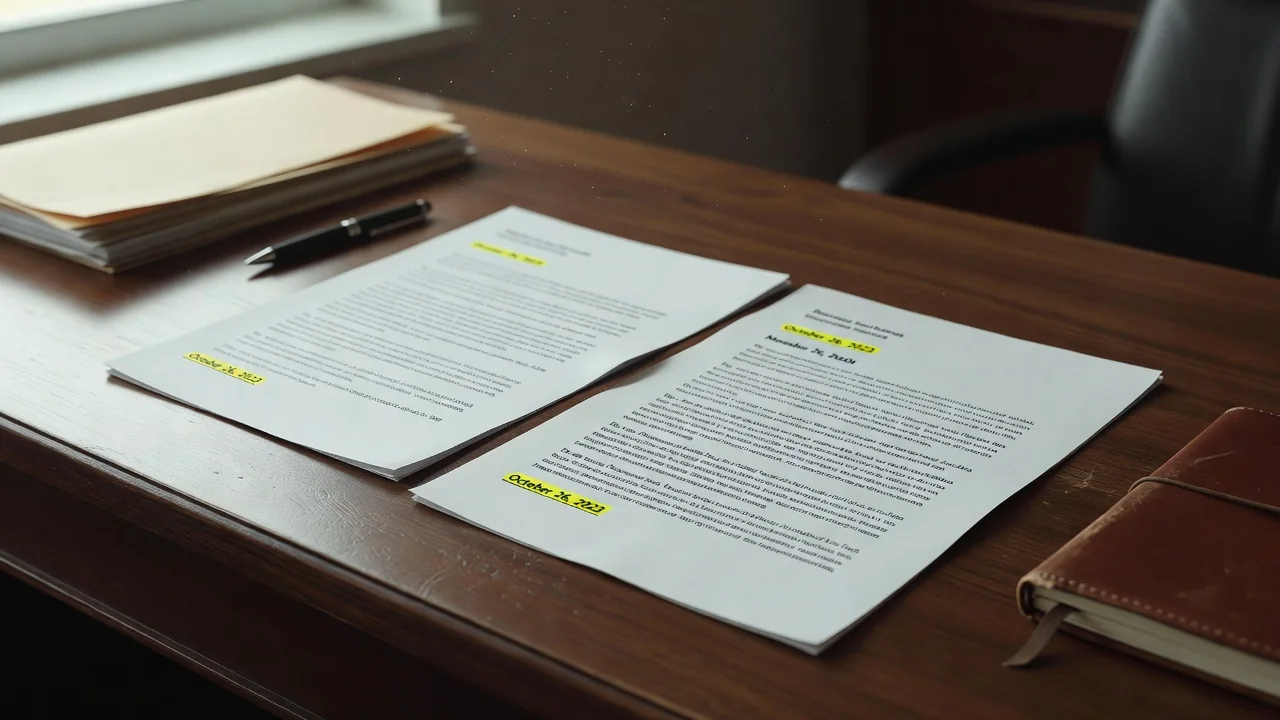
- Reopen the official page before every upload, not only on day one.
- Treat the latest corrigendum as part of the NIT, not as optional reading.
- Rewrite any annexure that quotes a changed clause. Do not leave the old sentence “for reference.”
- If a date moved, move your internal deadline earlier, not to the new last minute.
- Save the corrigendum PDF with the bid pack. WhatsApp screenshots are not the record.
| Change | What you do | If you skip it |
|---|---|---|
| Last date / time | Move your upload earlier | Late, non-responsive |
| Eligibility / documents | Swap the annexure | Wrong paper in the packet |
| Spec / drawing | Re-price and re-scope | Offering the old machine |
| EMD / fee / mode | Pay the new way | Fee rejected, bid unread |
The risk of “we already prepared everything”
Teams that start early sometimes lose to a one-page corrigendum issued late. Pride in a finished packet is how the old drawing stays in the zip. Assign one person to check the portal the morning of submission and write “no new corrigendum” or the new number on the cover sheet. If the change is too large to absorb before the new deadline, not bidding is cheaper than bidding the ghost document. Clarification requests have their own cutoff; a corrigendum after that cutoff is still binding. You do not get to ignore it because you already asked a question last week.
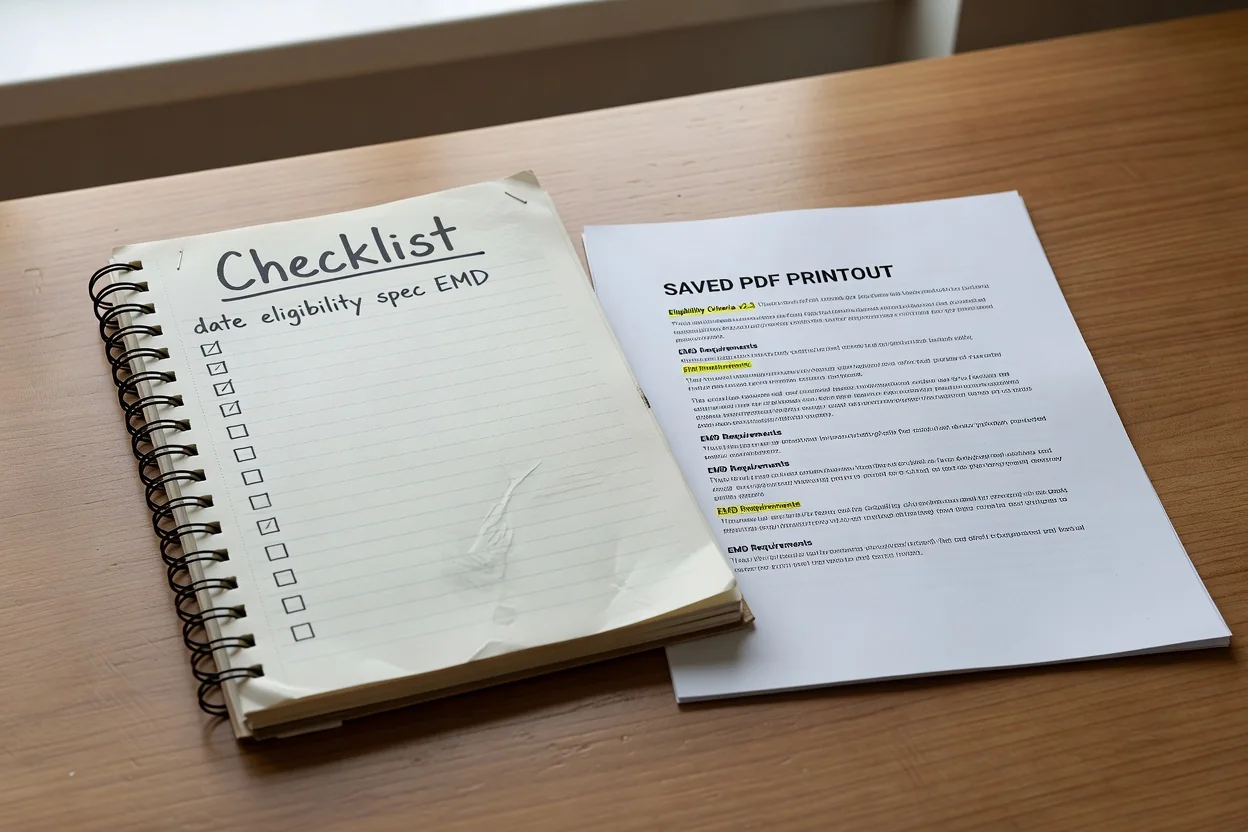
What to do the morning you upload
Open the live notice, read every corrigendum by date, fix the packet, save the files with the bid. The NIT you loved on day one is not the NIT if a corrigendum exists. Portals will not phone you. The last published change is part of the tender, and a complete bid against the wrong document is still the wrong document — no matter how carefully you had prepared the first version.